¶ Add or Remove Accommodation, Service, or Support
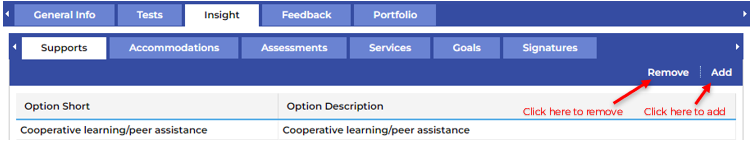
To add or remove a new selection, click on the appropriate Remove | Add button on the far right of the screen.
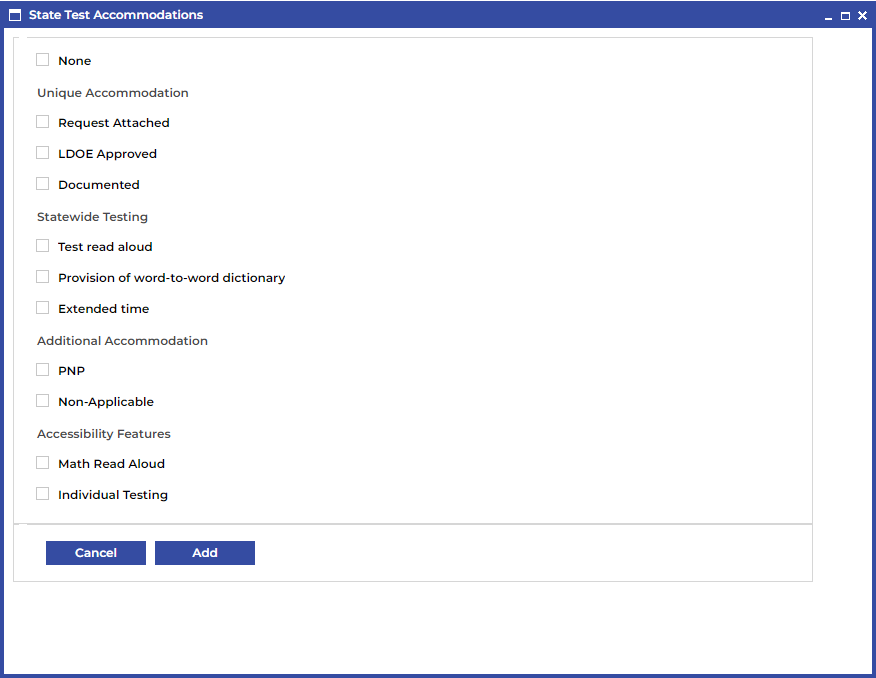
In the pop-up menu make the selection that you’d like to add or remove and then click the Add/Remove button at the bottom of the window.